

How to Choose a Cloud VPS for Your iOS App?
When teams discuss infrastructure for an iOS product, they often mix two very different needs: app development and app operation. Building a signed iOS app officially requires macOS, but running the backend for an iPhone application usually does not; for APIs, databases, queues, push workflows, and dashboards, a Linux or Windows-based cloud VPS is often entirely sufficient. That distinction matters because many founders overspend on server capacity they do not yet need, or choose the wrong environment simply because they associate “iOS” with Apple hardware alone.
In practical terms, a server becomes necessary when the application must do more than store data locally on the device. If the app manages customer accounts, delivers content dynamically, synchronizes activity across devices, processes forms, or stores structured business information, then the backend is no longer optional; it becomes the operational center of the product.
When a Server Is Needed?
A simple offline utility, calculator, gallery, or note-taking app may function perfectly well without a dedicated web server if all information stays on the device. By contrast, an app with logins, user-generated content, admin panels, cloud backups, or collaborative features depends on a backend layer that can authenticate users, store records, and respond to requests reliably.
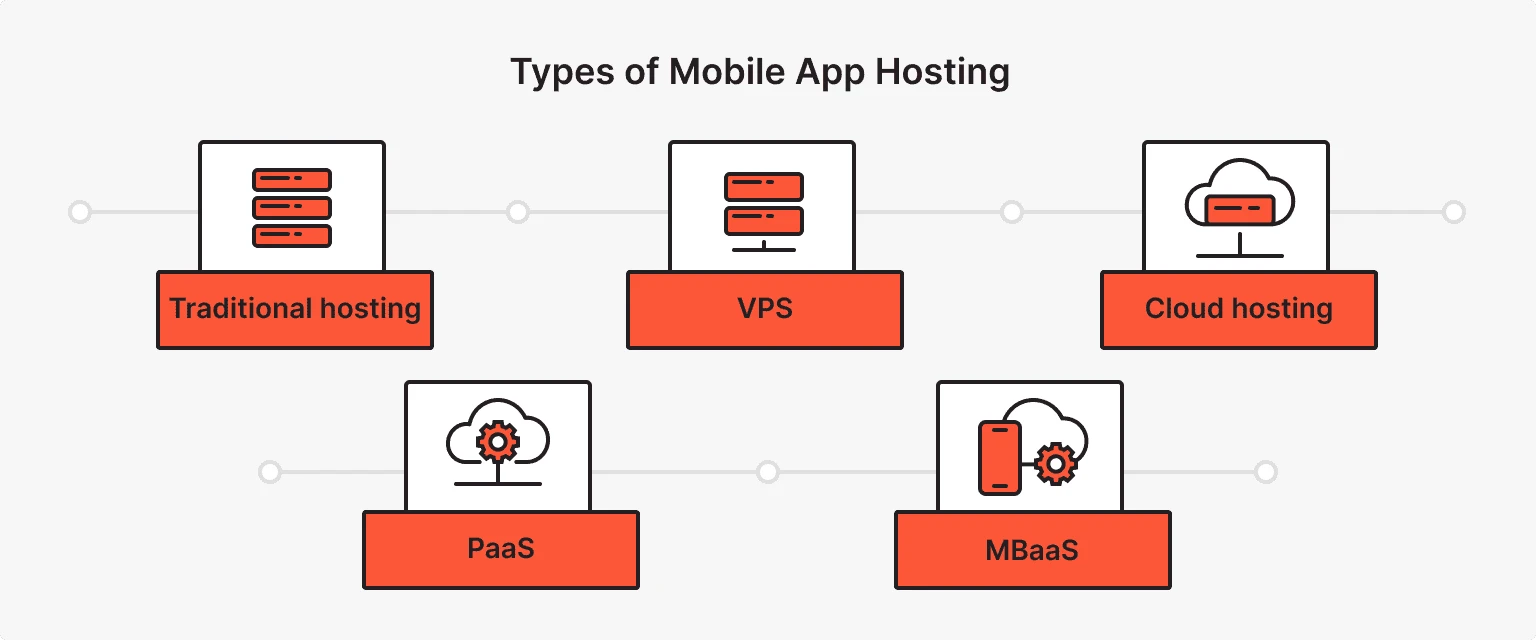
Reliability is not a secondary concern here. According to one uptime-focused industry source, businesses with uptime below 99.9% can risk losing up to 37% of customers because of reliability concerns, which illustrates why the cheapest server is rarely the cheapest decision in the long run. For an iOS product, slow response times or intermittent API failures are experienced by users as product flaws, even if the interface itself is well designed.
What to Evaluate?
Choosing a cloud VPS for an iOS app should begin with workload logic rather than promotional labels. CPU matters when the app performs many parallel requests, RAM matters when sessions, caching, background jobs, and databases remain active at once, and storage matters when the application accumulates media, logs, exports, backups, or customer files over time. Backup policy is equally important, because a server without routine backup is not a production environment but merely a temporary machine with optimistic assumptions.
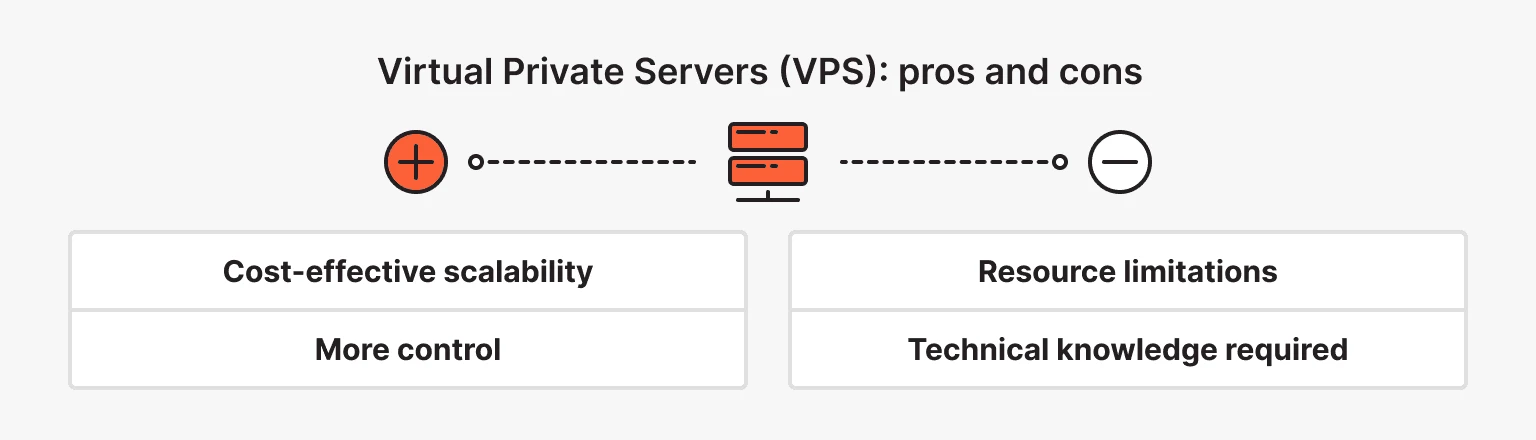
Operating system selection also deserves a sober approach. Linux is usually the more economical and common option for mobile app backends, especially for API-first products built with Node.js, PHP, Python, Go, or containerized stacks, while Windows VPS may be justified if the project depends on Microsoft tooling, certain enterprise integrations, or a Windows-based internal ecosystem. For most production backends behind iOS apps, the question is not “Which OS is fashionable?” but “Which OS aligns with the app’s stack, maintenance model, and growth path?”.
Matching Server to App Scale
The most practical way to avoid overspending is to map server capacity to expected user load rather than to hypothetical future traffic. A backend for fewer than 100 active users has very different requirements from one serving several thousand concurrent sessions, especially if the application includes media uploads, analytics events, real-time updates, or administrative reporting. At the same time, market direction clearly favors scalable infrastructure: the mobile cloud computing market is estimated at USD 79.17 billion in 2026, and Google’s Firebase logged 5 million active projects in 2024, which reflects strong demand for cloud-backed mobile services.
The tariff ladder you provided can be translated into user-oriented recommendations for iOS applications as follows.
| Expected app audience | Recommended plan | Monthly price | Server profile | Why it fits |
|---|---|---|---|---|
| Up to 100 users | START | 513 ₴* | 2 CPU, 2 GB RAM, 40 GB disk | Suitable for MVPs, internal tools, booking forms, or lightweight account-based apps with low traffic and modest data exchange |
| 100 to 1,000 users | BASE / BASE+ | 927–1170 ₴ | 2–4 CPU, 4 GB RAM, 60–80 GB disk | Better for apps with login, moderate API traffic, basic admin panels, and routine database reads and writes |
| 1,000 to 3,000 users | BASE+X / MEDIUM | 1440–1850 ₴ | 4 CPU, 6–8 GB RAM, 100–120 GB disk | A rational tier for growing products with regular synchronization, push workflows, and heavier user activity |
| 3,000 to 5,000 users | PROF / PROF+ | 2050–2350 ₴ | 5–6 CPU, 10–12 GB RAM, 140–160 GB disk | Better for mature apps with more frequent requests, reporting logic, or a larger admin team |
| 5,000 to 10,000 users | XL / XXL | 2750–3050 ₴ | 7–8 CPU, 16 GB RAM, 200–300 GB disk | Designed for higher throughput, larger datasets, and more stable headroom during traffic peaks |
| 10,000+ users | XXL+ / XXXL / XXXL+ | 3550–4550 ₴ | 8–12 CPU, 20–24 GB RAM, 400–600 GB disk | Appropriate for serious production workloads, broader datasets, multi-region usage, and longer scaling horizons |
*The promotional START price applies to a 12-month order under the tariff terms provided by the user.
This mapping should not be read as a rigid law, because actual load depends on what users do inside the app. A fitness tracker with 3,000 mostly passive users may require less infrastructure than a marketplace with 800 users who constantly upload images, refresh listings, and trigger notifications. Even so, pricing by expected audience remains a useful planning model because it forces a product team to connect infrastructure cost with real product behavior rather than guesswork.
Comparing Typical App Types
Different iOS applications place pressure on a VPS in very different ways, even when the user count appears similar. This is why backend planning should reflect the nature of the workload, not just its audience size.
| App type | Backend intensity | Main server demand | Suggested starting tier |
|---|---|---|---|
| Portfolio, catalog, brochure app | Low | API delivery, light database usage | START |
| Booking or service app | Moderate | User accounts, schedules, confirmations, admin panel | BASE or BASE+ |
| CRM-style field app, delivery app, team workflow app | Medium to high | Tables, user roles, file exchange, frequent sync | BASE+X or MEDIUM |
| Marketplace or content platform | High | Search, uploads, user sessions, notifications | PROF or PROF+ |
| Social, media-heavy, or analytics-driven app | Very high | Storage, concurrency, background jobs, scaling reserve | XL and above |
This comparison illustrates a common mistake: entrepreneurs often estimate hosting by brand ambition rather than technical behavior. The safer method is to ask how frequently the app writes to the database, how much media it stores, how many background tasks it runs, and how much latency users will tolerate before the product starts feeling unstable.
Practical Selection Logic
A sensible server choice usually follows a short sequence of decisions.
- If the app is mostly static or offline, a dedicated VPS may be unnecessary at the early stage.
- If the app stores user data, synchronizes records, or serves content dynamically, a cloud VPS becomes a practical baseline.
- If the audience is still small, start with a lower plan that includes backup and room to grow rather than paying for idle resources from day one.
- If the product already expects several thousand active users, choose a tier with additional RAM and disk headroom, because performance problems tend to appear gradually and then all at once.
It is also worth separating development convenience from production discipline. A team may prototype quickly on a minimal VPS, but production infrastructure should be chosen around uptime, scaling ability, backup retention, monitoring, and security posture, not around the fact that the first demo happened to run on a cheaper machine.
Final Perspective
A cloud VPS for an iOS app should be selected according to the app’s actual role in users’ lives: whether it is a lightweight client, a transactional product, a collaborative tool, or a data-heavy service. Not every application needs a web server, but once customer data, tables, accounts, or synchronized business logic enter the picture, renting the right server becomes part of the product itself rather than a background technicality. The most economical choice is rarely the smallest tariff and almost never the largest one; it is the plan that matches present demand, preserves reliability, and leaves enough operational margin for growth without paying too early for capacity the app has not yet earned.


